
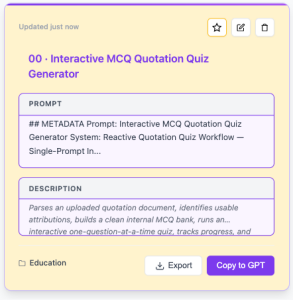
Interactive MCQ Quotation Quiz Generator.
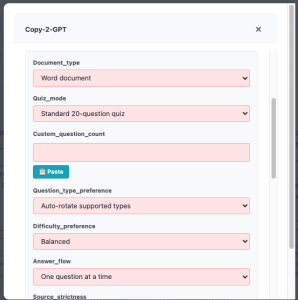
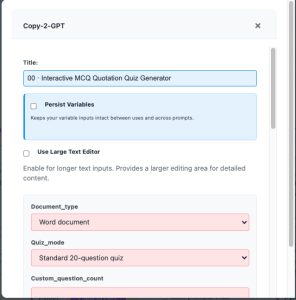
This includes reactive fields for:
- Document type
- Quiz mode
- Custom question count
- Question type preference
- Difficulty preference
- Answer flow
- Source strictness
- Quote handling
- Output detail
- Additional instructions
Download Ai-Productivity Suite

Screen Shots
Import in Under 60 Seconds
Once you have downloaded, importing takes five steps and is under a minute.
Download to Your Desktop
Your download link arrives within a minute. Check spam if you don’t see it.
Open the Extension
Launch the AI Productivity Suite from your Chrome toolbar and go to Settings → Database.
Import from JSON
Click Import/Export → JSON Data Management → Open JSON Import Dialog and select the downloaded file.
Note: If license restrictions don’t allow you to import on your Free version, you can either delete some prompts — Free versions have a maximum of 15 prompts — or install the extension on a different Chrome profile and use Restore from JSON. Click Restore from JSON and select the downloaded file.
Done
Click Prompt Library to see the prompt in your library.
Get the Free Prompt
Enter your details, and we’ll email you the import file instantly.